
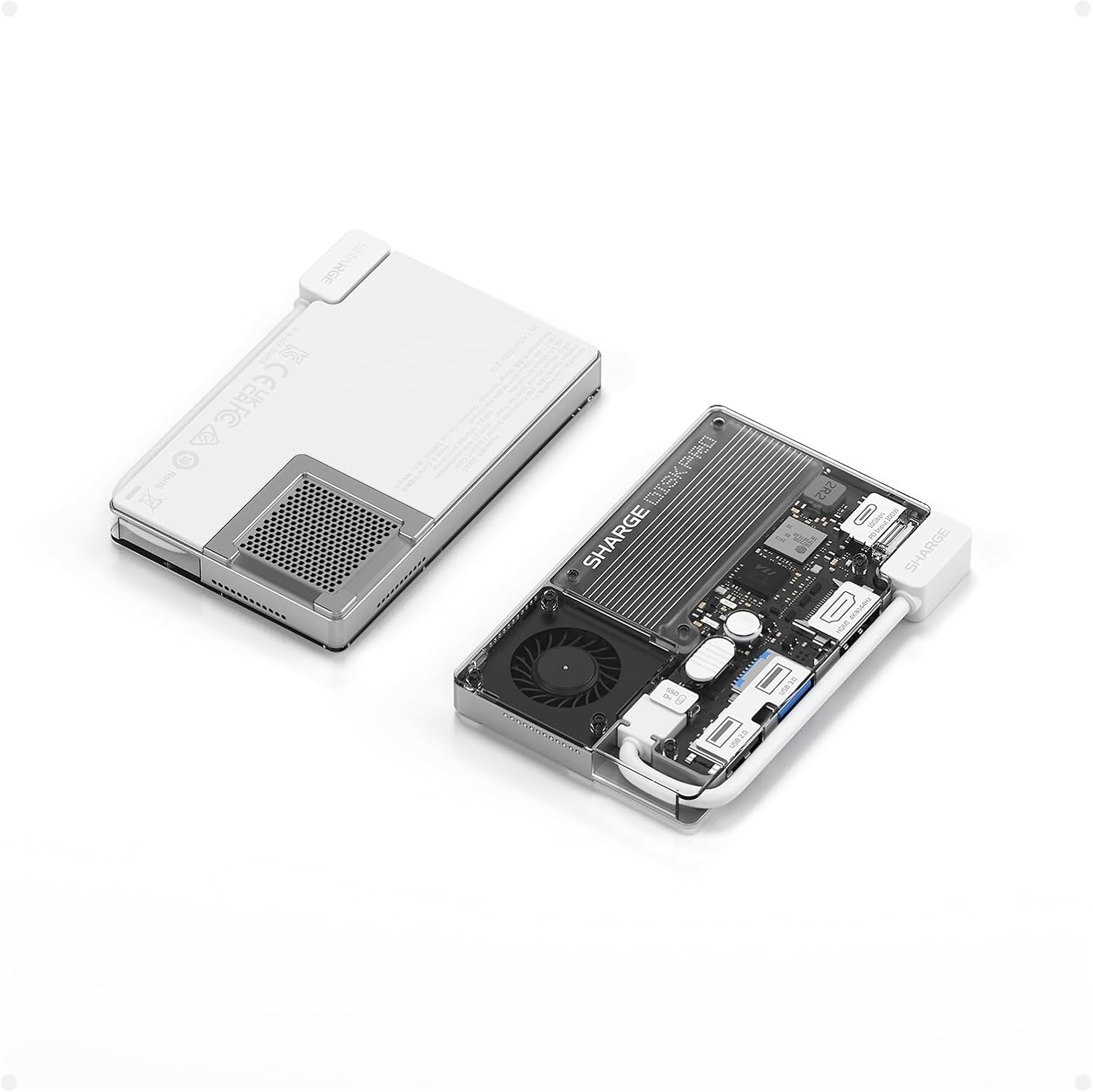
The Mobile Creator’s Dream
Sharge Disk Pro 2TB
Snaps magnetically to your iPhone via MagSafe, has a built-in cable, and features active fan cooling so your phone never overheats during direct 4K ProRes recording.
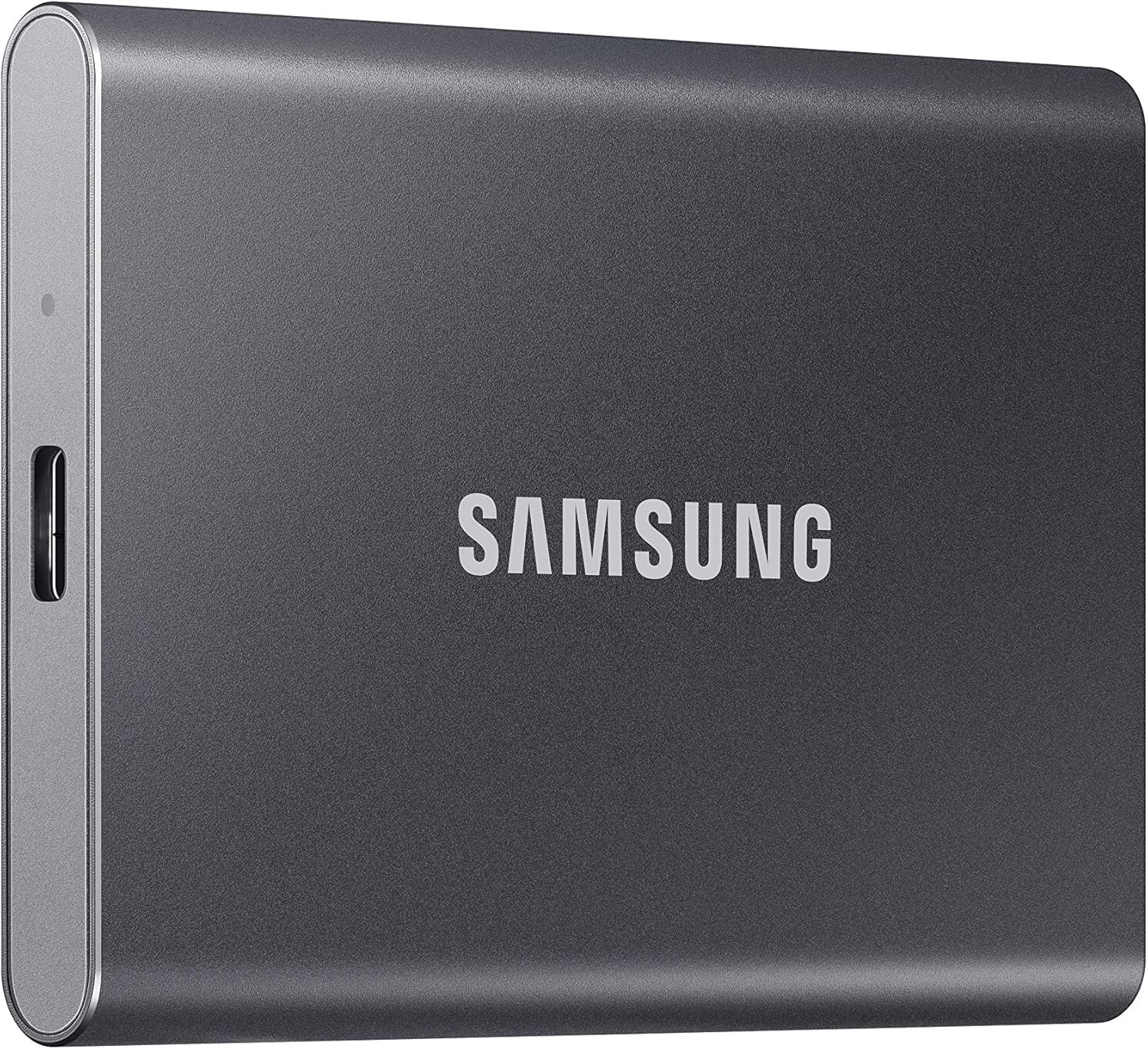
The Best All-Rounder
Samsung T7 Portable SSD 4TB
The absolute sweet spot for massive storage capacity, high-speed stability, and long-term brand reliability.
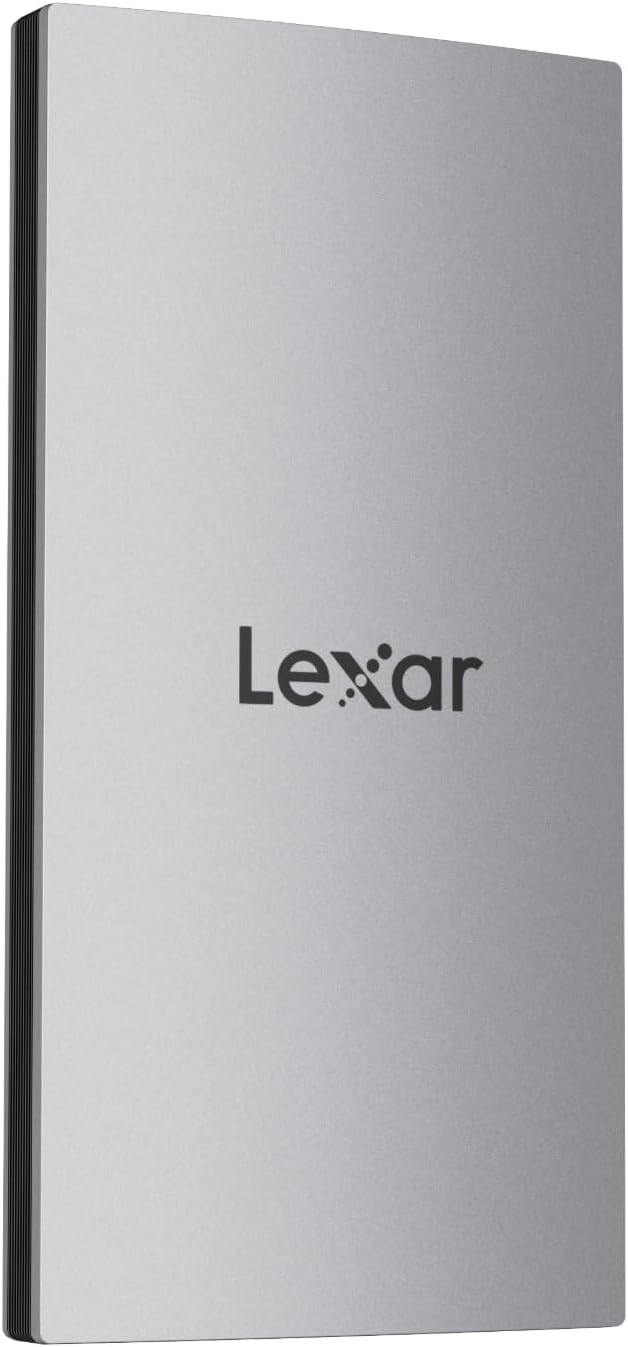
The Best Budget Value Pick
Lexar ES3 1TB External SSD
An ultra-portable, wallet-friendly pocket drive that explicitly natively supports the iPhone 15/16 series at an unbeatable entry-level price.
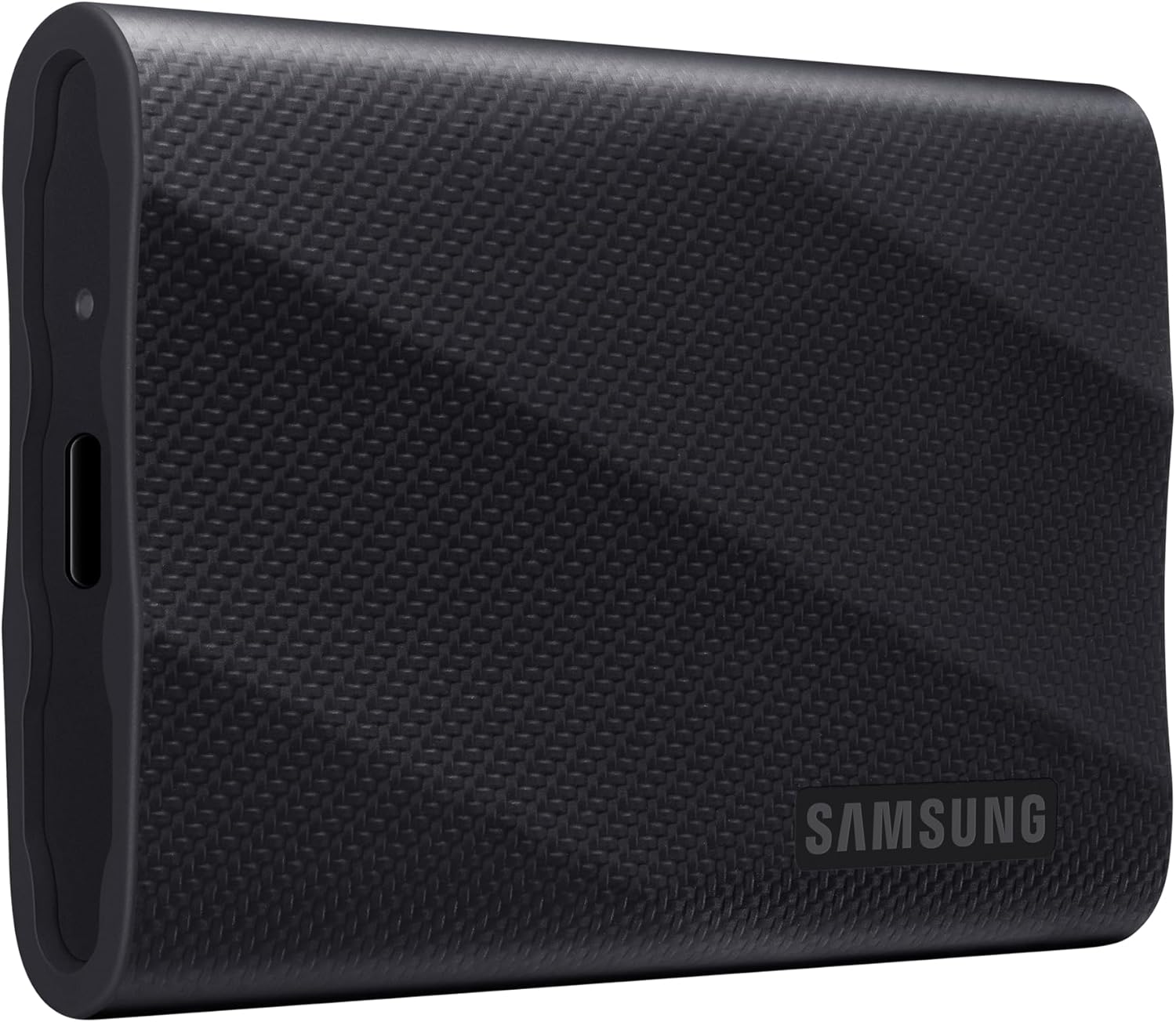
The Speed Champion
Samsung T9 Portable SSD 2TB
Boasts blazing 2,000 MB/s sequential speeds for power users who want to offload hours of raw video to a computer in seconds.
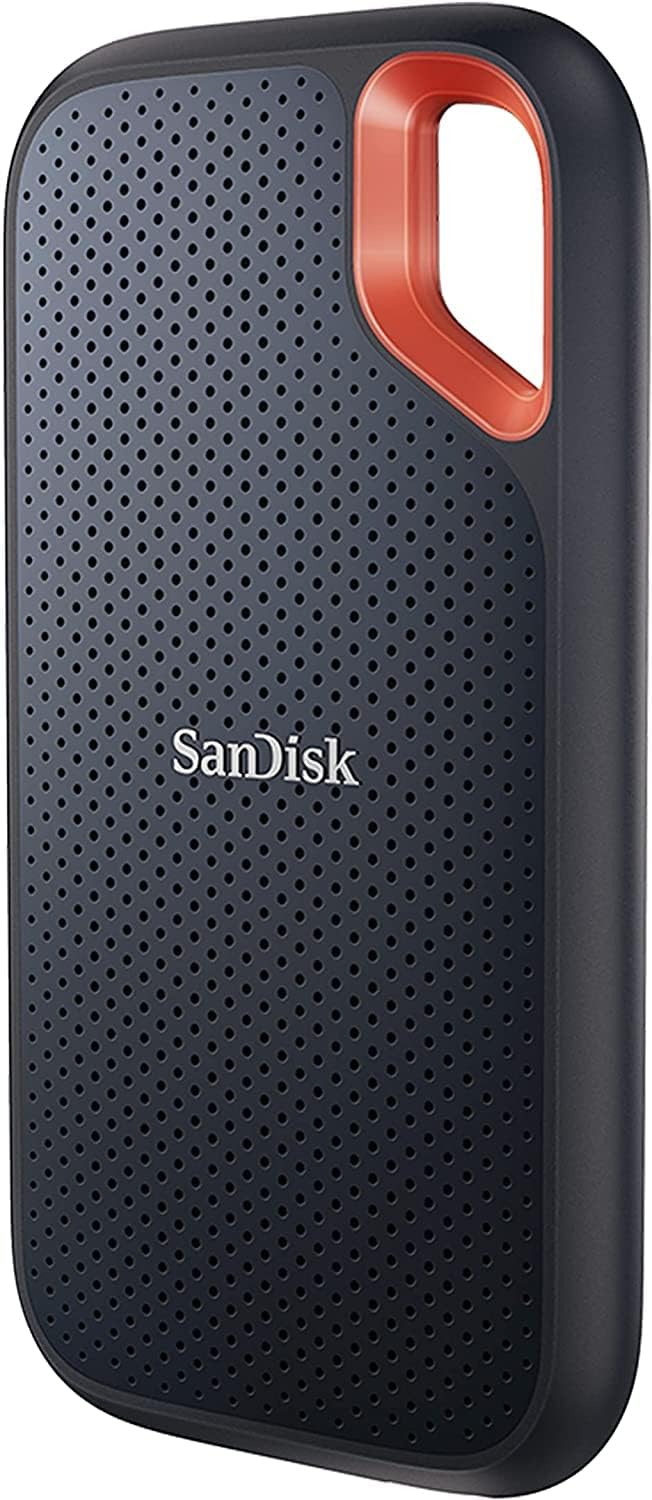
The Heavy-Duty Vault
SanDisk 8TB Extreme Portable SSD
Unrivaled 8TB archival space wrapped in an IP65 dust-and-water-resistant shell for creators who never want to clear a drive again.
The Absolute Best Pick for Active Content Creators & Mobile Vloggers
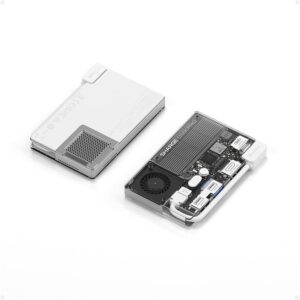
If you hate having an external drive awkwardly dangling from your iPhone USB-C cable while you film, the Sharge Disk Pro is an absolute revelation. This uniquely engineered wallet-sized drive is designed from the ground up for smartphone integration.
MagSafe Magnetic Design: It snaps flat against the back of your iPhone 15/16 Pro or MagSafe-compatible case, keeping your rig tight and minimalist.
Active Cooling Fan: Heavy 4K and ProRes video recording creates massive heat, which forces iPhones to throttle performance. The Sharge Disk Pro features an internal active cooling fan (with an option for a 10,000 RPM Turbo mode) to keep both the drive and your phone cool during long shoots.
Built-in Hub Utility: Beyond storage, it acts as a 5-in-1 hub featuring an integrated Type-C cable, traditional USB ports, and even an HDMI port—perfect if you want to turn your phone into a workstation later.
Keep in Mind: The cooling fan can get audibly loud in Turbo mode, and it is a premium-priced option. But for flawless, clip-on direct recording, it has no equal.
The Safest, Most Reliable All-Rounder Storage Vault
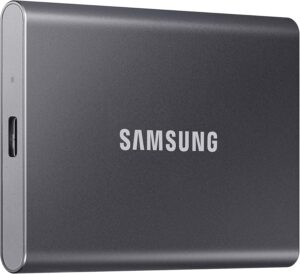
The Samsung T7 has spent years at the top of recommended storage lists for a simple reason: it rarely, if ever, fails. For standard backups of your camera roll, this 4TB option is a flawless workhorse.
Sustained 1,050 MB/s Speeds: It maximizes the standard 10 Gbps bandwidth limitations of the iPhone Pro models, ensuring swift data transfers.
Massive 4TB Real Estate: 4TB is the perfect sweet spot for backing up years of high-resolution family videos and personal memories without paying an astronomical premium.
Excellent Thermal Management: The sleek aluminum body acts as a natural heat sink, keeping data transfers steady without sudden speed drops.
Keep in Mind: It does not include a built-in clip or magnet, so it will sit loosely next to your phone during a transfer. However, for dependable archival backup, it remains the gold standard.
The Absolute Best Value Option for Casual Users
If you don’t need multi-terabyte enterprise storage and just want a simple, highly affordable tool to clear off your phone’s storage warnings, the Lexar ES3 is a fantastic choice.
Native iPhone Compatibility: Lexar explicitly formats and labels this drive for immediate optimization with the iPhone 15/16 series, removing any guesswork for non-technical users.
Pocket-Sized Portability: Weighing next to nothing and measuring just 10.5mm thick, it easily slips into a coin pocket or travel bag.
Great Performance-to-Price Ratio: Despite its budget pricing, it still pumps out a highly competitive 1,050 MB/s read and 1,000/s write architecture.
Keep in Mind: The included USB-C cable is relatively short, which is great for a compact desk space but offers less flexibility if you are moving around.
The Ultimate Speed King for Post-Production Workflows
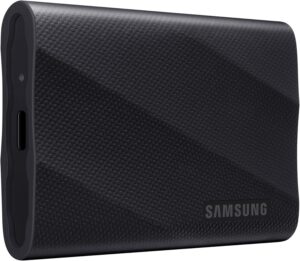
If your workflow involves shooting video on your iPhone and then immediately plugging the drive into a high-end Mac or PC to edit in Premiere or DaVinci Resolve, the Samsung T9 is built for you.
Blazing 2,000 MB/s Speeds: Utilizing a USB 3.2 Gen 2×2 interface, this drive cuts file transfer times in half compared to standard portable SSDs when connected to compatible computer ports.
Ruggedized Outer Shield: Wrapped in a non-slip, rubberized protective coating, it offers up to 3-meter drop resistance to protect your professional files while traveling.
Keep in Mind: The iPhone 15/16 Pro models max out at 10 Gbps (1,050 MB/s. The iPhone will not utilize the full 2,000 MB/s capability of this drive while recording, but your computer will when it comes time to copy those files over for editing.
The Ultimate Speed King for Post-Production Workflows

For the ultimate data safety net, the SanDisk Extreme 8TB provides a staggering amount of mobile storage space.
Mind-Boggling 8TB Capacity: This single drive can hold hundreds of hours of raw 4K footage, making it a perfect primary backup vault for extended cross-country road trips or documentary sets.
IP65 Weather Resistance: Features a rugged silicone shell that resists dust, rain, and unexpected splashes. The built-in loop lets you secure it with a carabiner directly to your camera bag.
The “Old Model” Discount: Because this is listed as the previous-generation hardware model, it frequently sees deep price cuts on Amazon, making it an incredible value play for an 8TB NVMe drive.