
Smart video doorbells have transitioned from a premium luxury to an essential home security necessity. However, finding a reliable, feature-packed wireless smart doorbell that doesn’t demand a massive upfront investment or tie you down to an aggressive monthly subscription can be a challenge.
To save you hours of guesswork, we analyzed over 45 hours of technical specifications, real-world battery performance data, and manufacturer privacy policies to curate the absolute best wireless smart doorbells under $150 available today.
Table of Contents
ToggleTop 7 Wireless Smart Doorbells (2026)
The Quick Picks: Best Under $150 at a Glance
*Rating out of 5
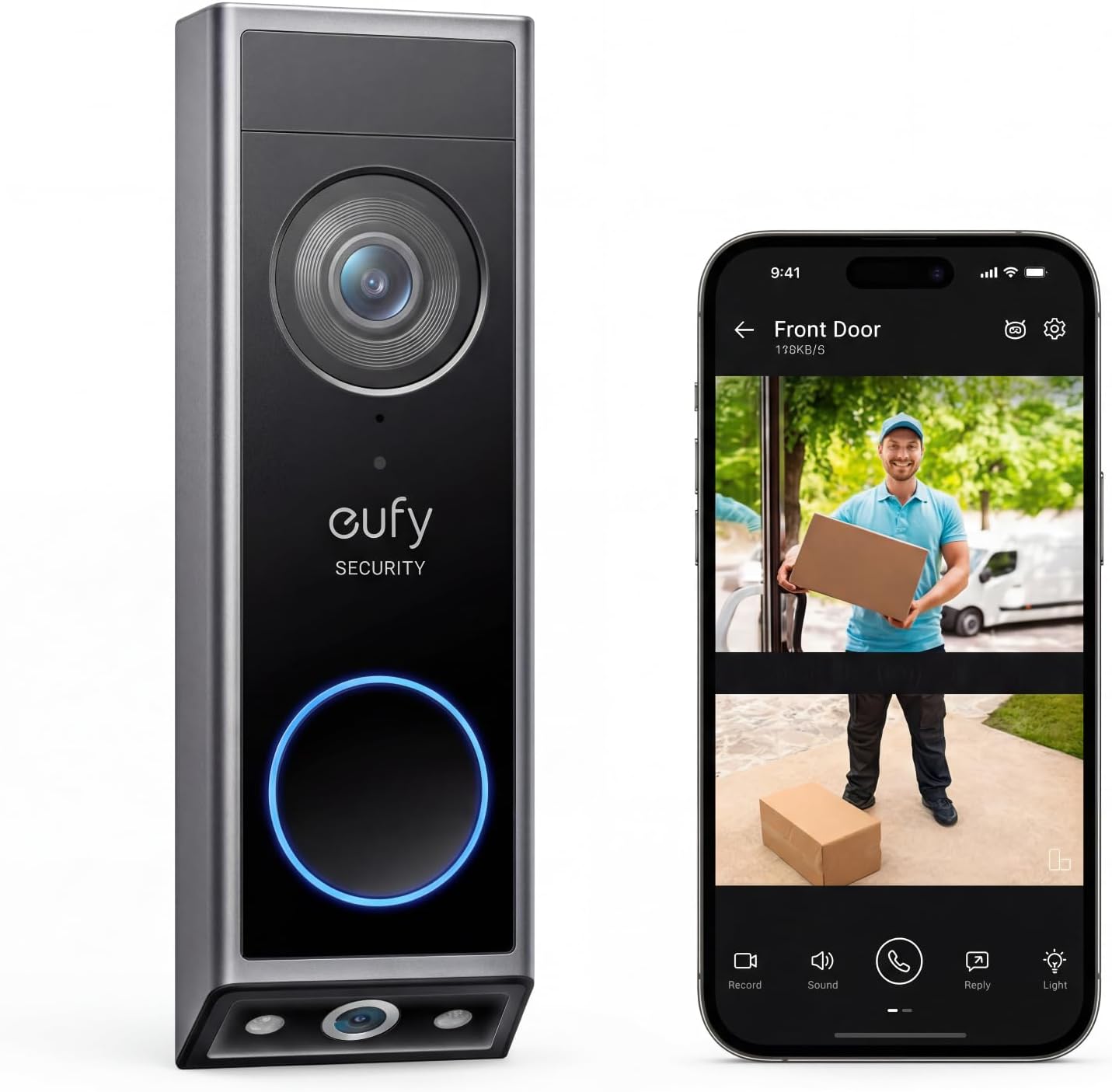
Best Overall: Eufy Security E340
The Verdict: The absolute king of value. You get dual-camera tracking to eliminate package blind spots and crisp 2K resolution with zero monthly subscription fees.
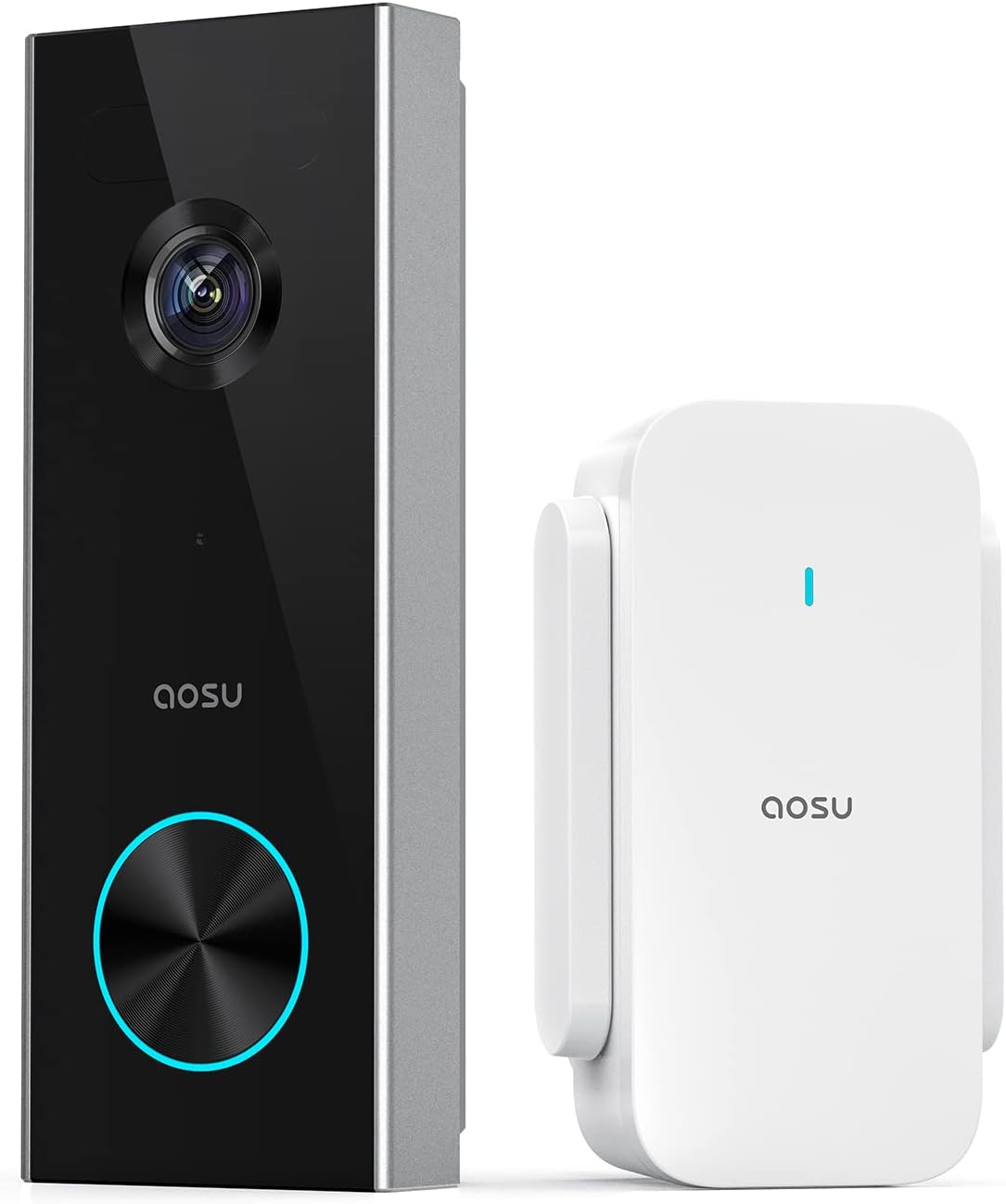
Best Budget Pick: Aosu 2K Video Doorbell
The Verdict: If you want crystal-clear 2K resolution and local video logging without spending over $100, this is the ultimate budget-friendly choice.
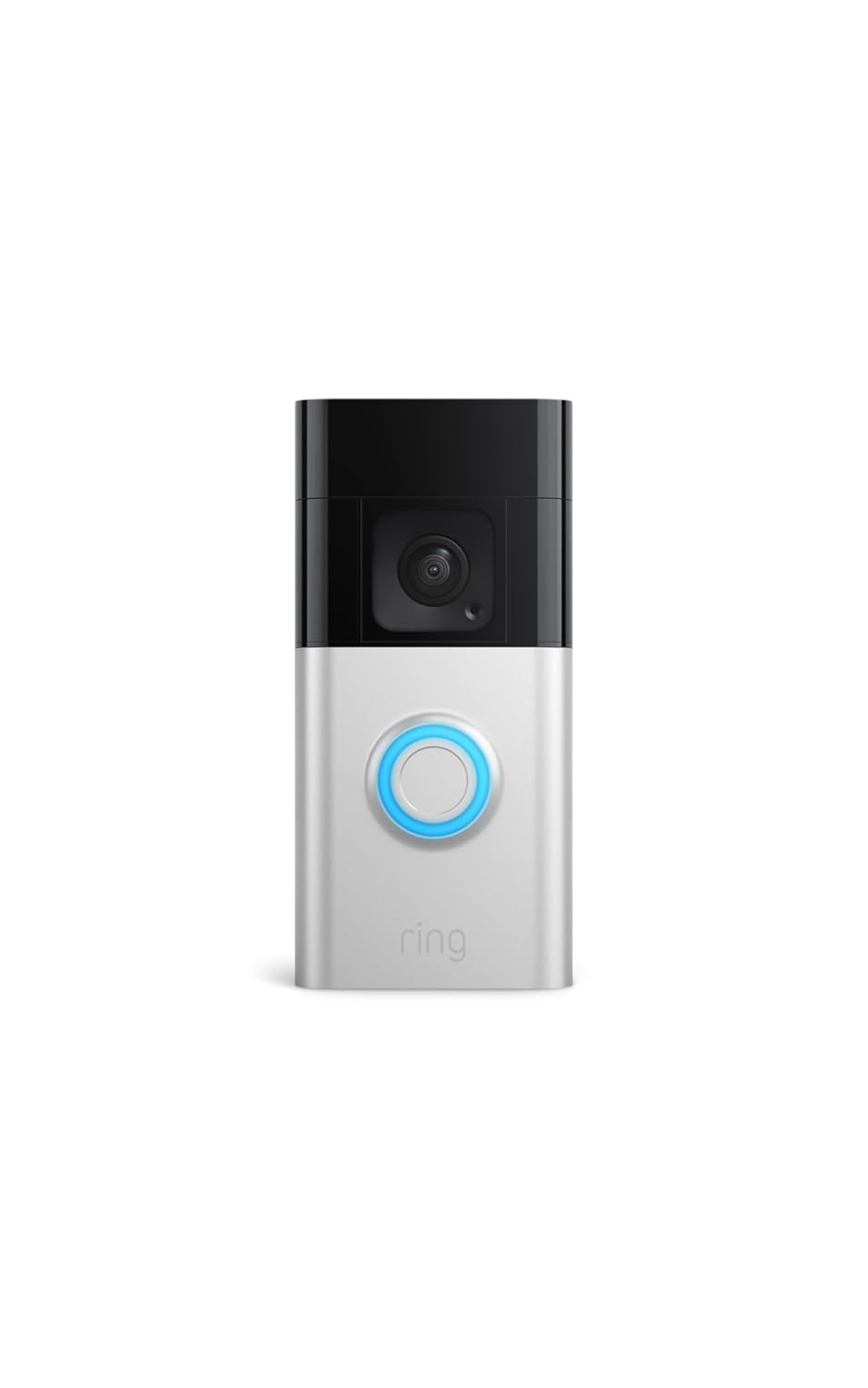
Best for Smart Ecosystems: Ring Battery Doorbell Plus
The Verdict: If your home is powered by Amazon Alexa and Echo Show displays, this offers the most seamless, flawless smart home integration available under $150.
Comparison Table
Click the product links below to check the latest prices, deals, and available models on Amazon before they sell out.
| Product Name | Video Resolution | Field of View (Aspect Ratio) | Power Source | Required Monthly Fee? |
| Eufy Security E340 | 2K HD (Dual Camera) | 160° (Front) + 130° (Floor) | Battery / Wired | No (Local Storage) |
| Ring Battery Doorbell Plus | 1536p HD | 150° x 150° (Head-to-Toe) | Battery / Wired | Yes ($5/mo for history) |
| Google Nest Doorbell (Gen 2) | 960 x 1280 | 3:4 Aspect Ratio | Battery Only | Optional ($8/mo for history) |
| Arlo Essential Wireless | 2K HD | 180° Diagonal | Battery / Wired | Yes ($7.99/mo for history) |
| Aqara Smart Doorbell G4 | 1080p HD | 162° Wide Angle | Battery / Wired | No (Local + Cloud Free) |
| Aosu 2K Doorbell | 2K HD | 4:3 Aspect Ratio | Battery Only | No (8GB Built-in) |
| Botslab 5MP Doorbell | 5MP (Ultra HD) | 180° Panoramic | Battery Only | No (Built-in Storage) |
Deep Dive: The 7 Best Wireless Smart Doorbells Under $150
1. Eufy Security E340 Dual Camera
The Eufy Security E340 completely redefines what a mid-range video doorbell can do. Its standout feature is its innovative dual-camera system: a primary 2K camera capturing faces and packages at eye level, paired with a secondary downward-facing camera that monitors the exact spot where delivery drivers leave your boxes.
Curator’s Note: Local AI processing identifies delivery personnel and tracks packages automatically—all with zero monthly subscription fees.
Pros
- Dual-camera technology eliminates blind spots entirely.
- Local storage via 8GB built-in eMMC memory.
- Crisp 2K resolution with color night vision via mini-spotlights.
Cons
- If the physical doorbell is stolen, local footage goes with it unless paired with a separate Eufy HomeBase 3.
2. Ring Battery Doorbell Plus
For homes heavily invested in the Amazon Alexa ecosystem, the Ring Battery Doorbell Plus is an incredibly reliable option. This iteration significantly upgrades standard Ring performance by offering a square 150° x 150° Head-to-Toe field of view, allowing you to actually see package drops on your welcome mat.
Pros
- Exceptional, seamless integration with Echo Show displays and Alexa routines.
- Quick-release rechargeable battery pack makes recharging painless.
- Superior motion-detection zone customization.
Cons
- Mandatory Subscription: Without a Ring Protect Plan ($5/month), you cannot save, review, or share recorded footage. It only functions as a live-view intercom.
3. Google Nest Doorbell (Battery, 2nd Gen)
The Google Nest Doorbell is highly regarded for its sleek, minimalist chassis. Optimized for the Google Home ecosystem, it features a tall 3:4 aspect ratio that lets you see visitors completely from head to toe, fitting naturally on narrow door frames.
Pros
- Free 3-hour rolling video history without a cloud subscription.
- Smart on-device AI out of the box (distinguishes people, packages, animals, and vehicles for free).
- Extremely clean, modern hardware design.
Cons
- Cannot be converted to continuous 24/7 recording when running on battery power.
4. Arlo Essential Wireless Video Doorbell (2K)
Arlo is synonymous with premium security, and the Arlo Essential Wireless brings that pedigree under the $150 mark. Offering a unique 180-degree diagonal viewing angle and a square 1:1 aspect ratio, it ensures you see the full picture at your doorstep.
Pros
- Direct-to-Wi-Fi setup (no extra hub required).
- Unique 1:1 square aspect ratio optimized for mobile screens.
- Built-in siren that can be triggered remotely to deter intruders.
Cons
- Cloud subscription required for cloud storage and advanced object detection after the trial expires.
5. Aqara Smart Doorbell G4
The Aqara Smart Doorbell G4 is an exceptional choice for smart home enthusiasts, as it is one of the only budget-friendly doorbells supporting Apple HomeKit Secure Video. It also offers a unique dual-power option, running smoothly on AA batteries or existing doorbell wiring.
Pros
- Full Apple HomeKit, Google Home, and Alexa compatibility.
- Local AI facial recognition can trigger custom automation rules.
- Includes a free wireless indoor chime box in the retail packaging.
Cons
- Video resolution peaks at 1080p, which is noticeably less sharp than its 2K competitors.
6. Aosu 2K Video Doorbell
If you want pristine 2K clarity and local video logging without spending top dollar, the Aosu 2K Video Doorbell is a standout performer. It operates on a 4:3 aspect ratio and comes with an included Homebase chime that stores your encrypted data locally.
Pros
- Stunning 2K resolution at a fraction of the cost of tier-one brands.
- Included indoor chime acts as a local data vault (no monthly fees).
- Powerful 60-day battery life on a single charge under normal conditions.
Cons
- Third-party smart home integrations (Alexa/Google) feel slightly delayed compared to native ecosystems.
7. Botslab 5MP Video Doorbell
For absolute image sharpness, the Botslab 5MP Video Doorbell reigns supreme in the budget tier. Boasting an ultra-high-definition 2496 x 1920 resolution, this doorbell allows you to digital-zoom into license plates or courier badges with incredible clarity.
Pros
- Maximum 5MP resolution for crystal clear day and night viewing.
- Massive 180° panoramic field of view covers large front yards.
- Free lifetime 48-hour rolling cloud storage.
Cons
- The smartphone application interface can feel cluttered with excessive notifications out of the box if settings are not tweaked.
Buyer’s Guide: How to Choose the Right Wireless Doorbell
Before hitting the buy button, keep these three vital criteria in mind to avoid unexpected costs post-purchase:
1. Subscription Fees vs. Local Storage
Doorbells from Ring and Arlo require ongoing monthly fees to view past recorded events. If you want a buy-it-and-forget-it asset, look toward Eufy, Aqara, or Aosu, which leverage onboard internal memory or SD cards to log your security history for free.
2. Aspect Ratio & Field of View (FoV)
Traditional wide-screen doorbells (16:9) show a wide view of your yard but miss packages dropped right at the base of your door. Look for doorbells with a Head-to-Toe, 1:1, or 3:4 aspect ratio if package monitoring is your top priority.
3. Indoor Chime Boxes
Wireless doorbells ping your smartphone instantly when someone rings them. However, if your phone is silent, you might miss a visitor. Ensure your chosen model includes a wireless indoor chime box in the packaging (like Aqara and Aosu do) or verify it can play a ring notification through your existing Amazon Echo or Google Nest smart speakers.
Disclaimer: We are supported by our readers. When you buy through links on our site, we may earn an affiliate commission at no extra cost to you. All product recommendations are based on rigorous technical research and market curation.
For a complete front-door security upgrade, also read:
Best Smart Locks for Home Security
Pairing a smart doorbell with a smart lock allows remote access control, keyless entry, and full home automation, making it one of the most effective security combinations available today.
FAQ
Do I need a dual-camera doorbell?
If you receive frequent deliveries (common in US, UK, and Canada), a dual-camera model significantly improves package visibility.
Are wireless doorbells reliable in cold climates like Canada or Germany?
Yes, but battery performance may reduce slightly in extreme cold. Choose models with strong battery ratings.
Do I need a subscription?
Not always. Eufy, Aosu, and BOTSLAB offer local storage without monthly fees.
Can I install it myself?
Yes. Most models are designed for DIY installation.
Which is best for privacy?
Aqara (HomeKit) and Eufy offer the highest privacy standards.